About Us
At EZEPOS, we provide smart and reliable cloud-based POS solutions designed to help
businesses manage operations more efficiently.
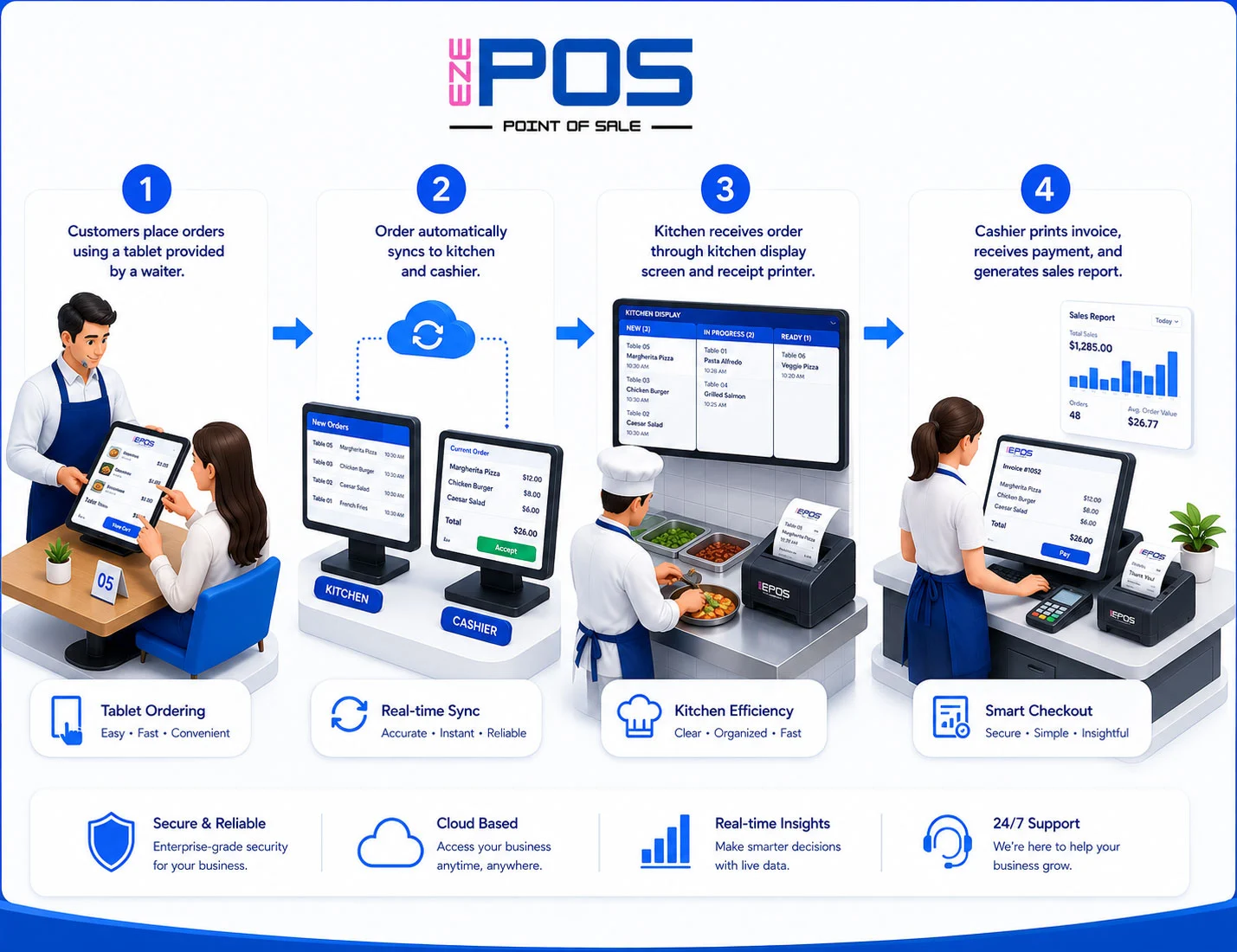
Core F&B Restaurant POS Features
Fast & Easy Billing System
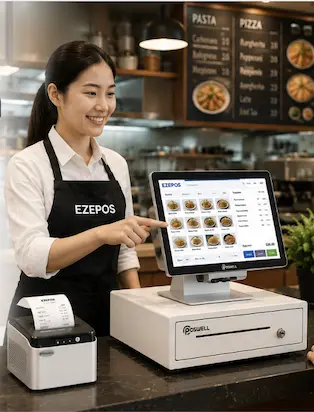
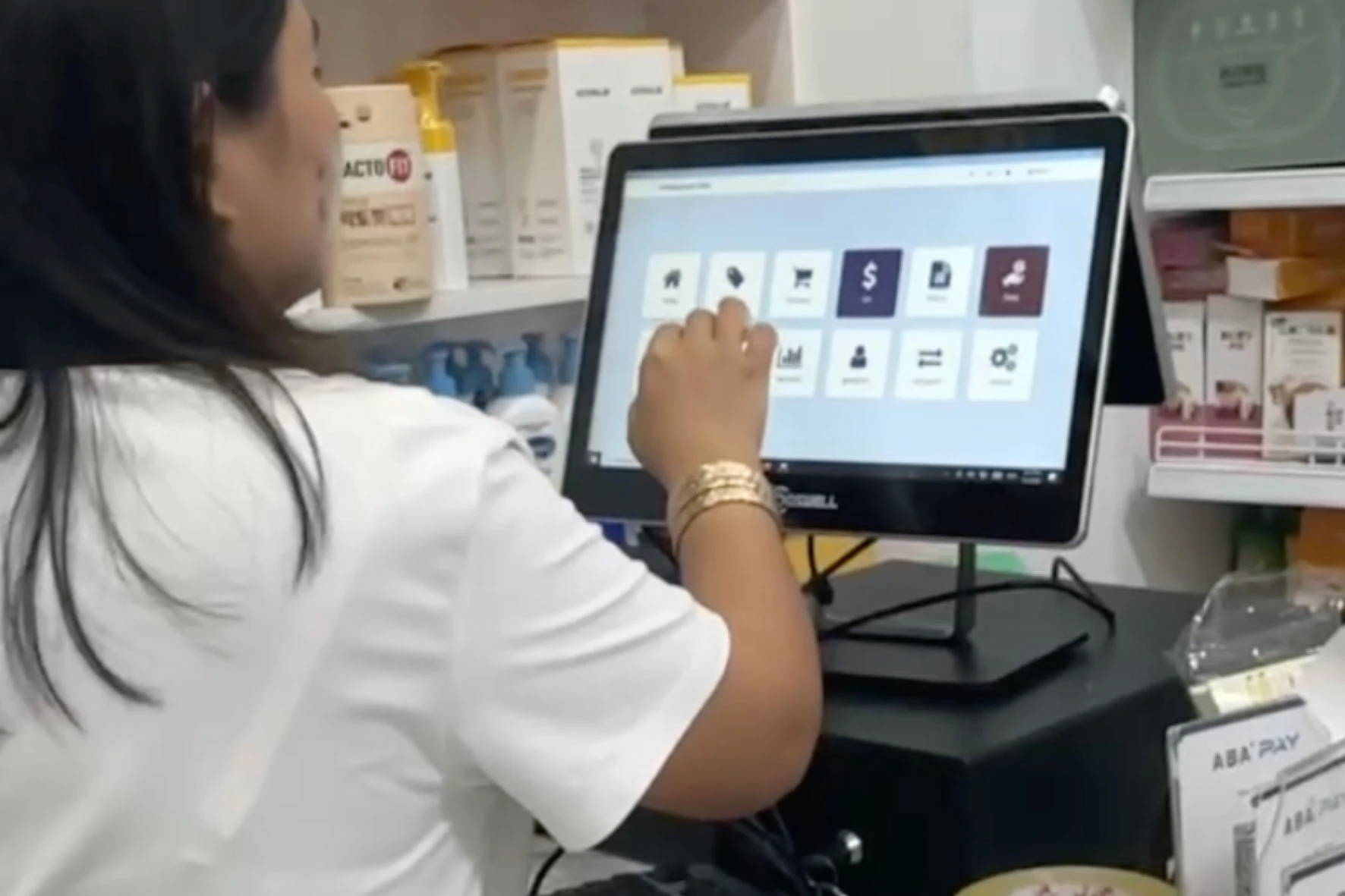
Process customer orders and mobile payments quickly with an easy-to-use cashier interface designed for peak restaurant hours.
Faster checkout
Reduce waiting time
Improve customer experience
F&B Ingredient & Inventory Management
Manage stock levels, raw ingredients, recipes, and product inventory automatically to reduce waste and prevent stock loss.
Reduce stock loss
Track inventory movement
Low stock alerts
Kitchen Display System (KDS)
Send orders directly to the kitchen to improve communication, more faster and reduce mistakes.
Faster kitchen workflow
Fewer human errors
Better order accuracy
Real-Time Sales Reports
Monitor your sales, revenue, and business performance anytime with real-time reporting.
Track daily sales shift
Better business decisions
View reports real-time
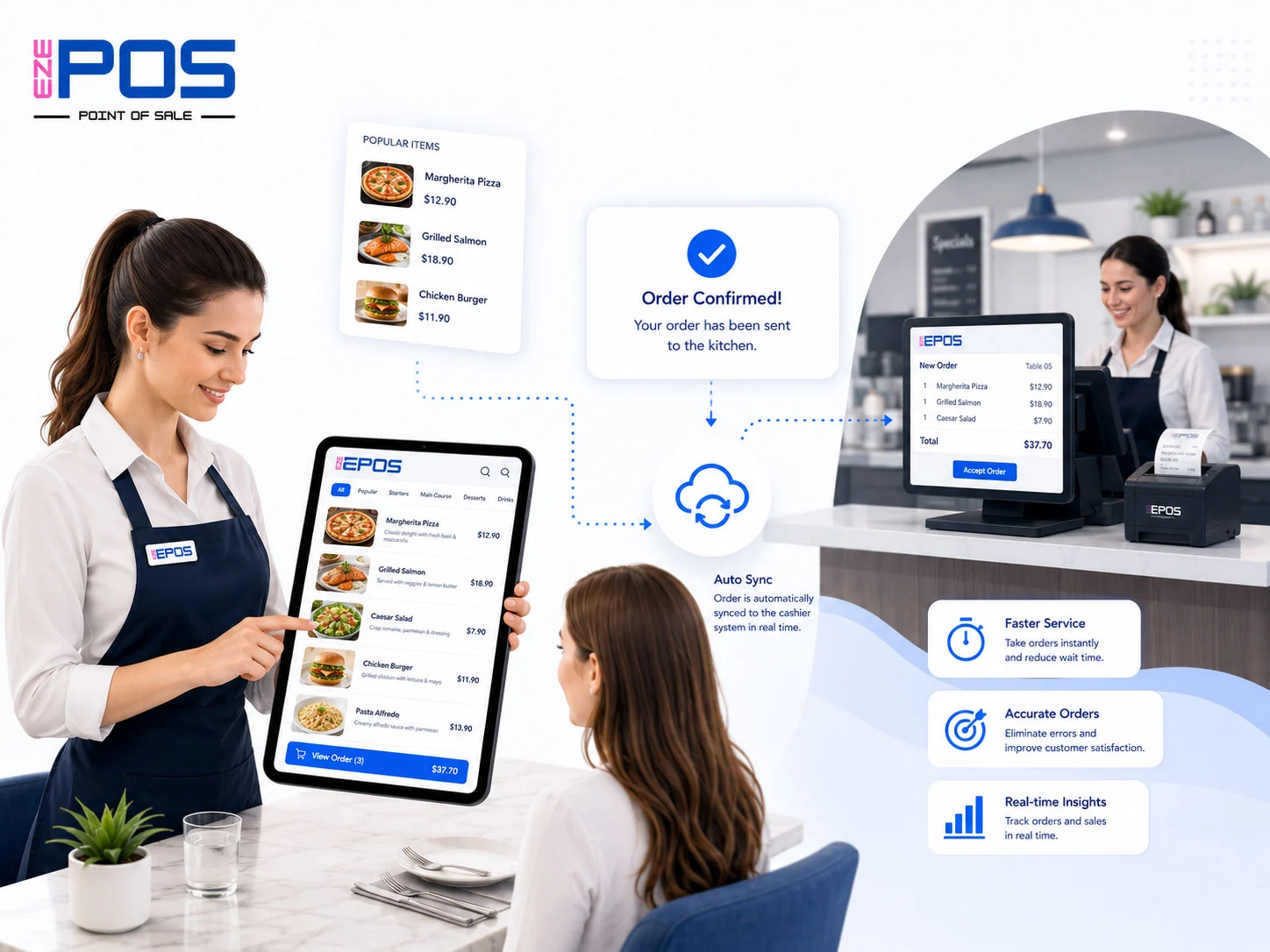
Easy Digital Ordering
Transform your restaurant with smart digital ordering:
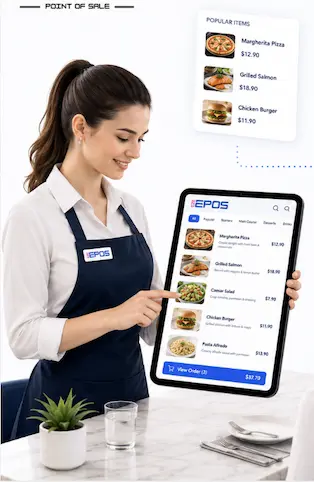
Waiters use tablets or mobile phones to take customer orders digitally. Menu images, prices, and item details appear instantly on screen. with one tap, orders are automatically sent to the cashier and kitchen system — making service faster, smoother, and more accurate.
This helps restaurants:
Reduce ordering mistakes
Speed up service
Improve customer experience
Manage orders more efficiently
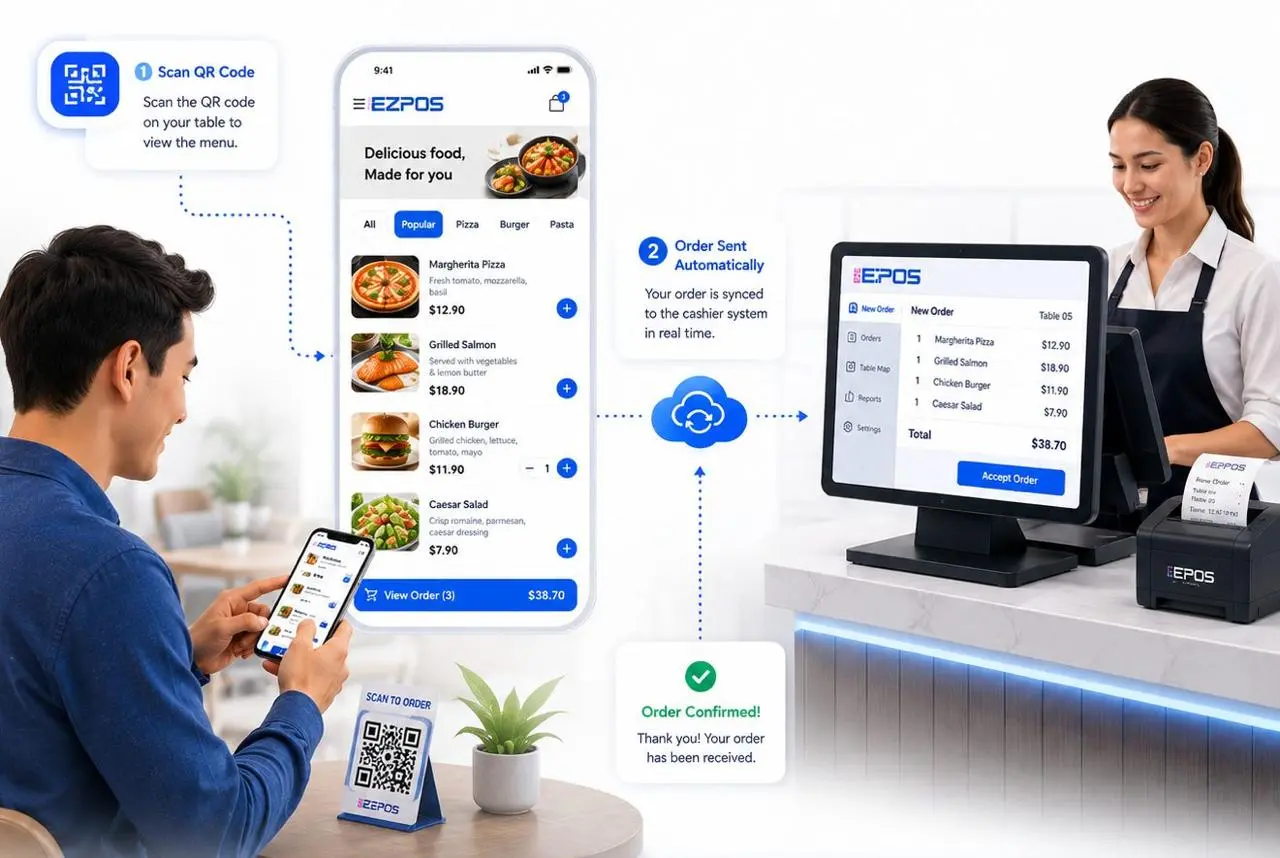
QR Ordering & Digital Menu
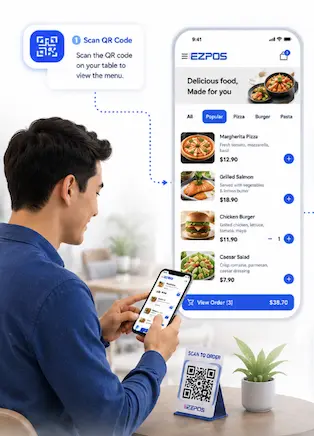
Customers can scan a QR code and place orders instantly without waiting for staff. This helps reduce long queues and improves service speed.
Digital menus are easy to use, modern, and convenient. Customers can browse food images, prices, and descriptions directly from their phones.
QR ordering minimizes manual order taking, allowing staff to focus more on food preparation and customer service, speeds up the ordering process and minimizes waiting time.
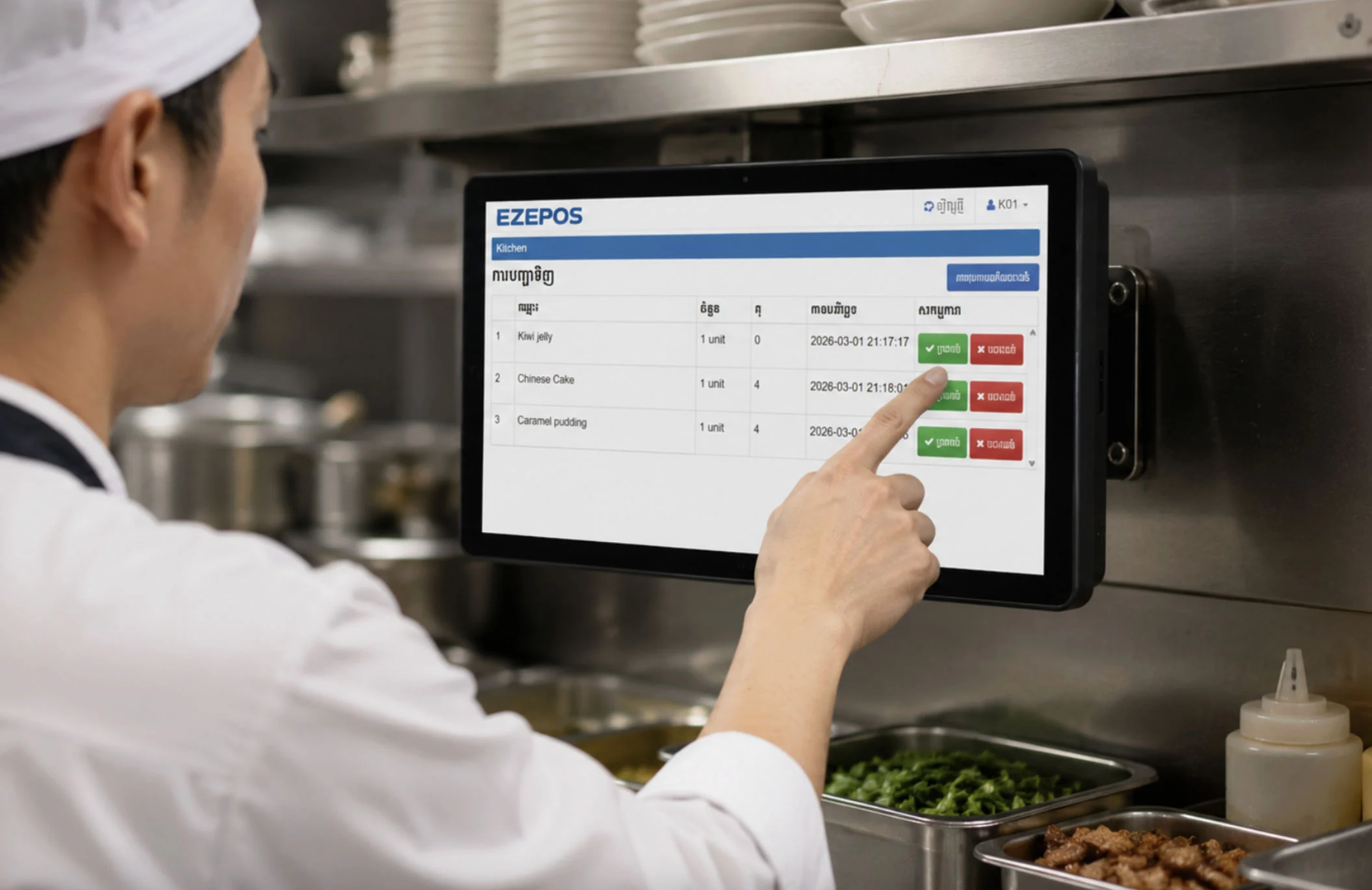
Kitchen Display Screen
Kitchen Display Screen (KDS) helps restaurants manage orders digitally and efficiently. New orders are automatically displayed on the kitchen screen in real time, allowing chefs to prepare food faster and more accurately. It reduces paper usage, improves kitchen workflow, and enhances customer service experience.
When the cashier or waiter confirms an order in the POS system, the order is instantly sent to the kitchen display screen.
Book Free Demo
Kindly contact us via telegram for the demo and face-to-face consultation
Our Services
Did you know EZEPOS does much more than just standard restaurant billing? We have built specialized cloud systems to help a massive range of industries streamline operations, cut down on manual work, and maximize profits.
Food & Beverage (F&B)
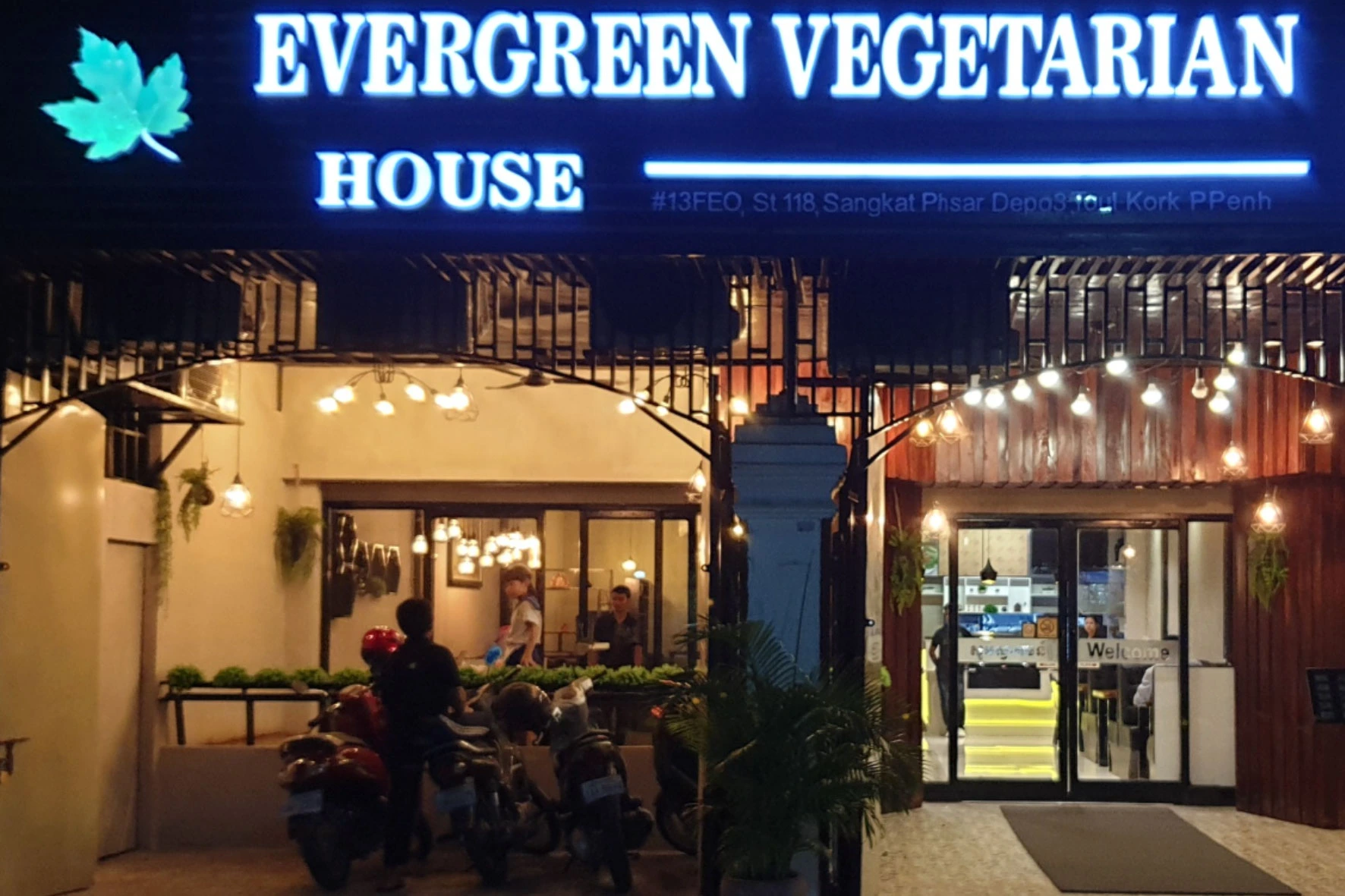
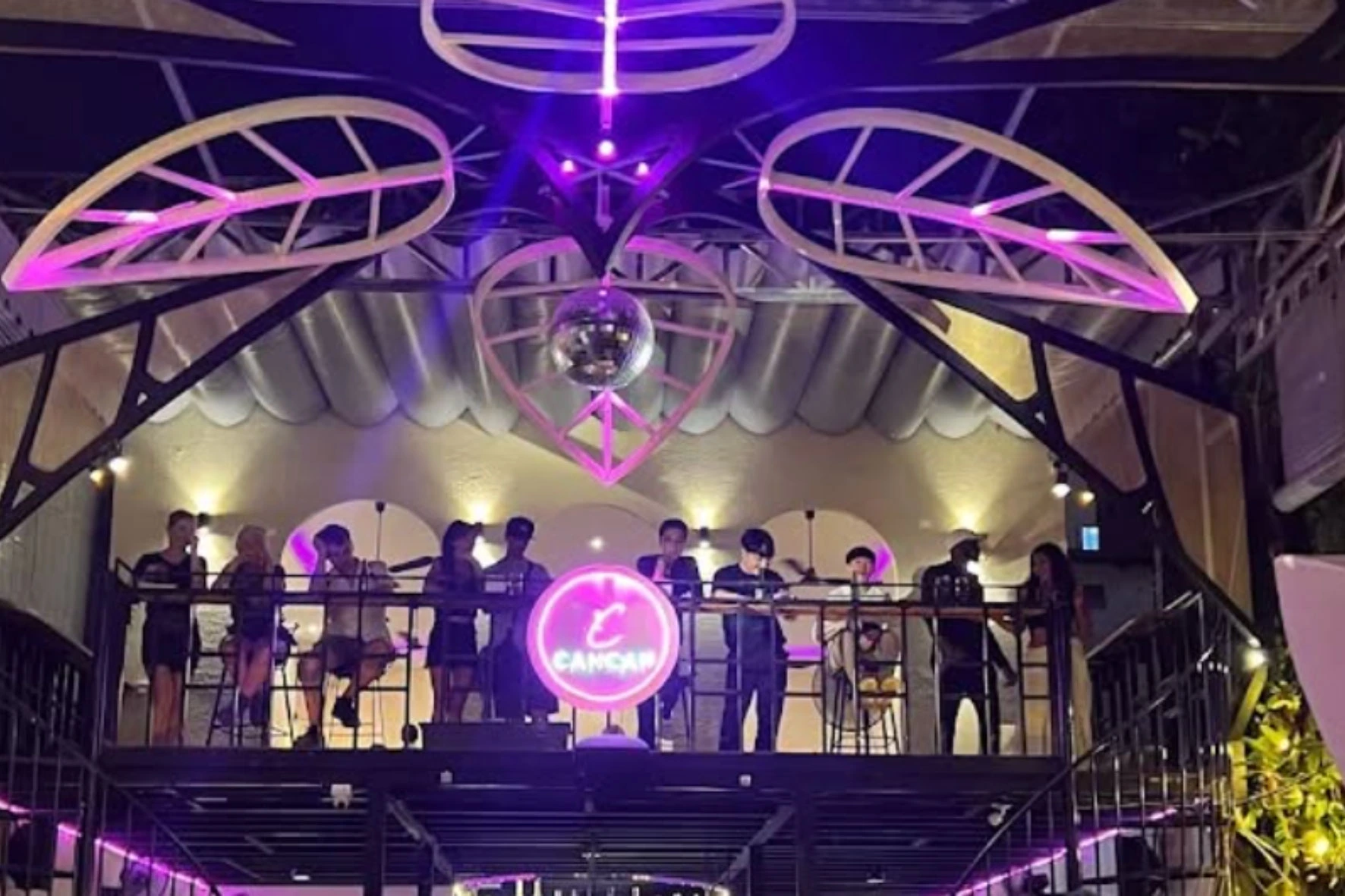
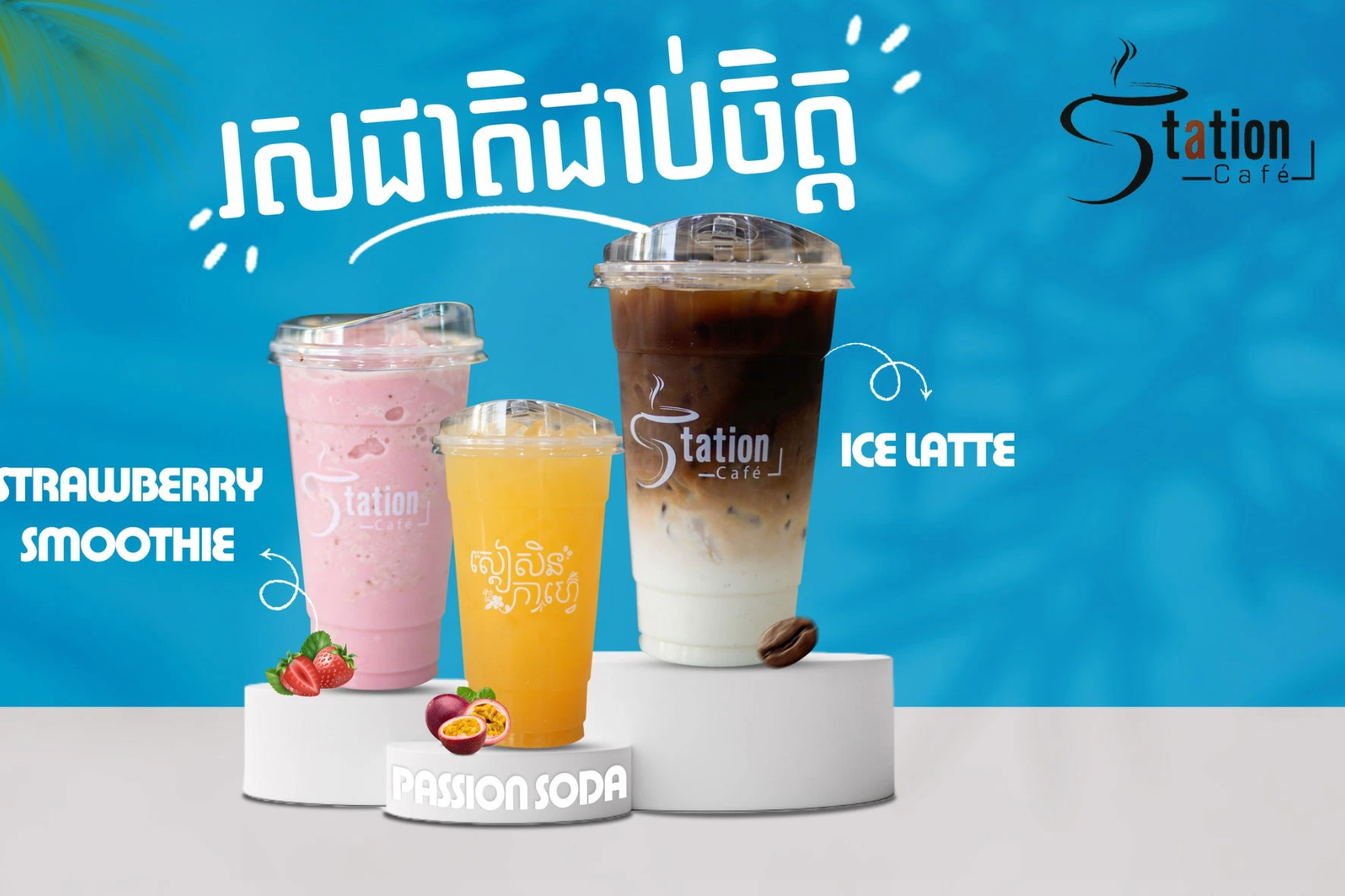
Supported Businesses: Restaurant & Coffee Shop, BBQ Restaurant, Tea Shop, Cake & Bakery Shop, Bar Club, Fast Food, KTV Entertainment, Beer Garden, Lounge or Pub...
Retail Store
Supported Businesses: Mini-Mart & Baby Shop, Super Market, Fruit Store, Vegetable Shop, Clothes & Shoes Boutique, Flower Shop, Cosmetic Shop, Jewelry Shop, Phone Shop, Book Store
Gym & Fitness
Key Features: Membership Management, Package & Subscription Control, Attendance Tracking, Card Check-In, Trainer Management, Payment & Billing System, Financial Reports
Massage, Spa & Sauna
Key Features: Membership Management, Topup Management, Service Package Management, Customer History, POS & Payment System, Sales Reporting, Expense Management
Guest House, Boutique & Resort
Suitable For: Guest House, Boutique Hotel, Resort, Apartment Rental, Villa Management, Hostel & Lodge
Phone Shop
Suitable Businesses: Mobile phone shops, Accessory shops, Repair centers, Electronics stores
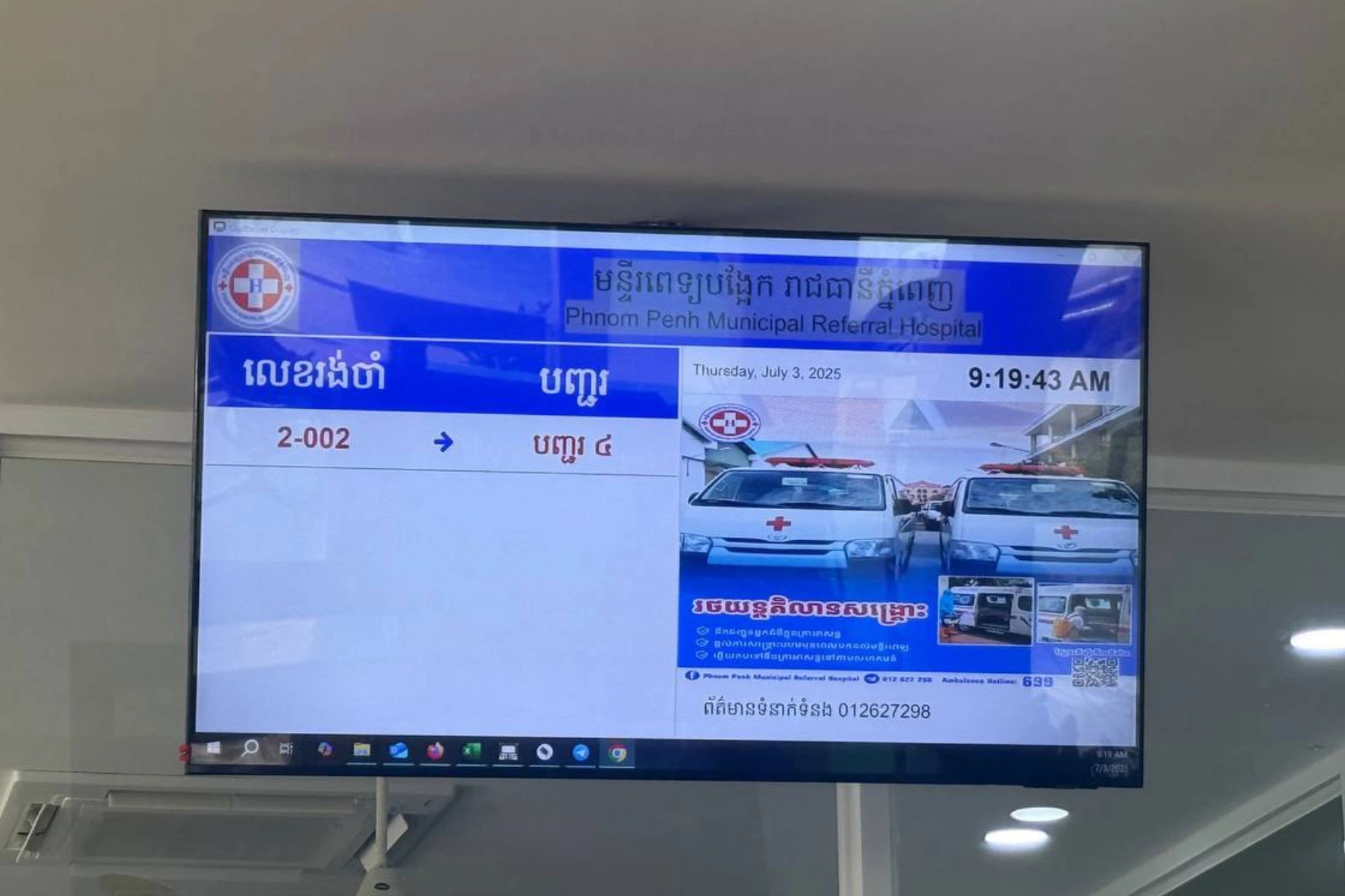
Queue Management System
Suitable For: Clinics, Hospitals, Government Services, Banks, Restaurants, Customer Service Centers
Key Features: Digital Queue Ticket, Queue Display Screen, Calling System, Real-Time Queue Monitoring, Customer Flow Management
Room Rental Management System
Key Features: Tenant Management, Room Rental Billing, Electricity, Water Tracking & Other service fee, Payment Management, Contract Management, Due Payment, Other Expense Management, Monthly Reports
Why Choose EZEPOS?
EZEPOS helps business owners save time, reduce mistakes, increase sales, and manage their business from anywhere.


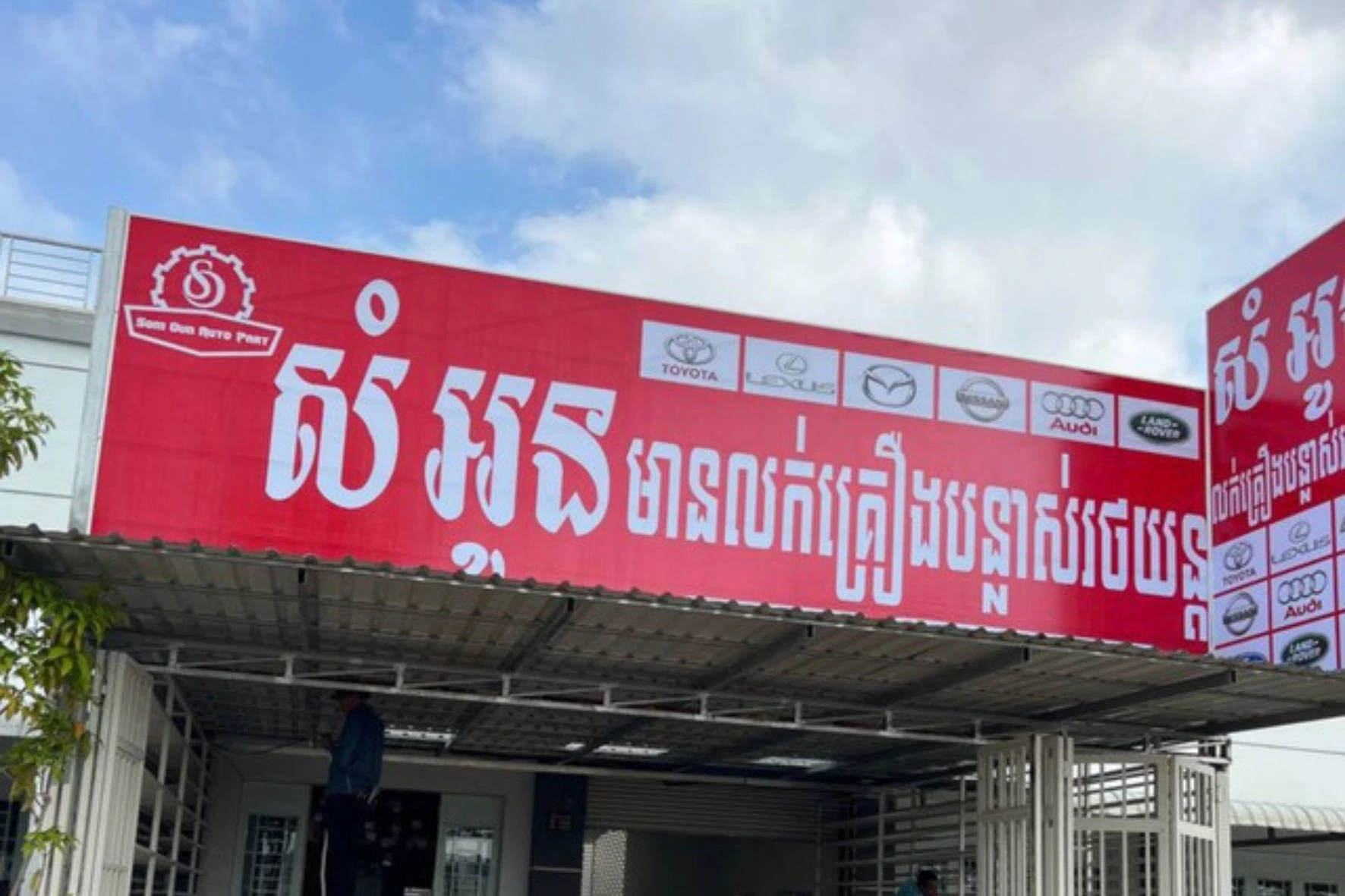
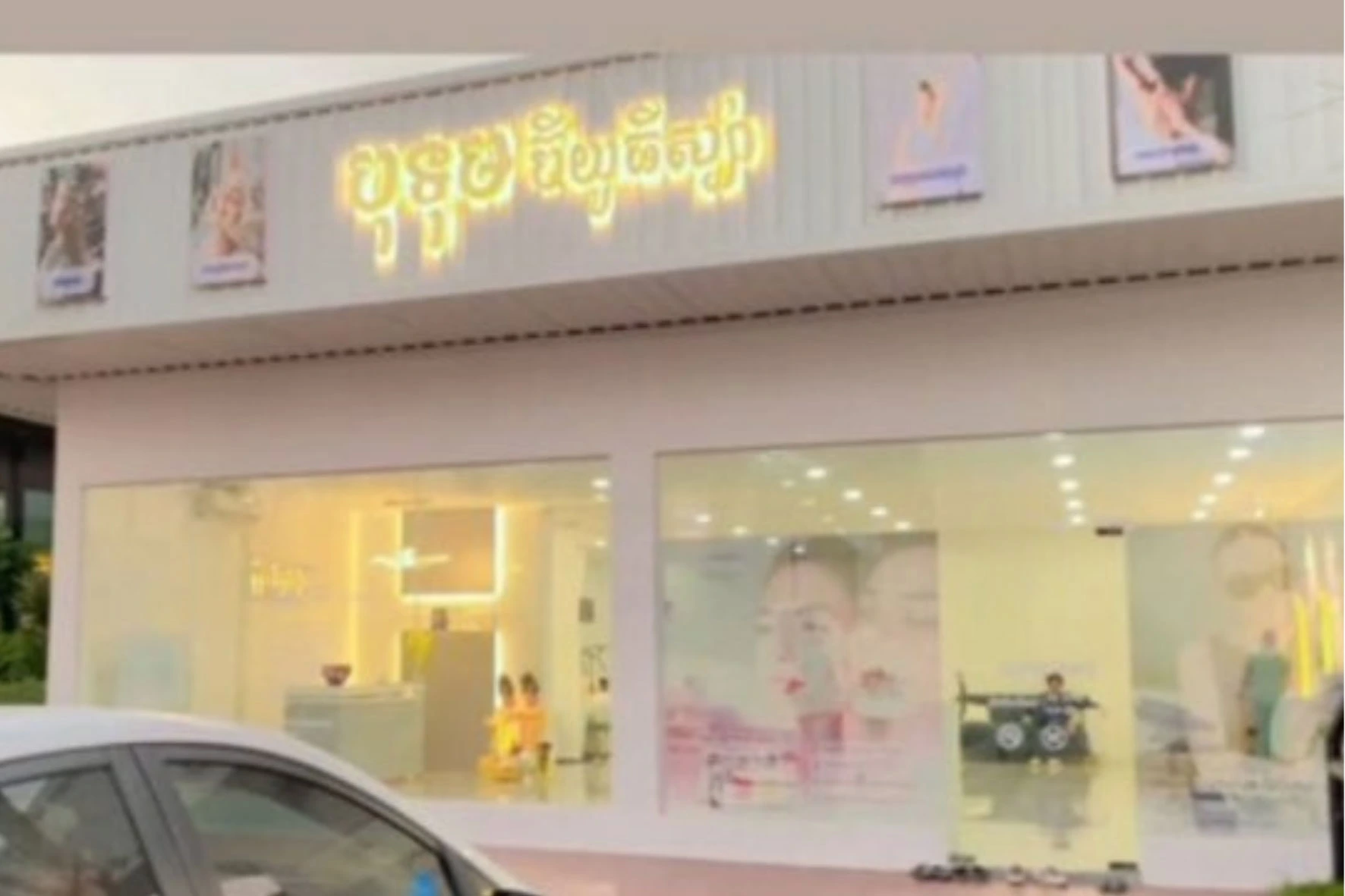

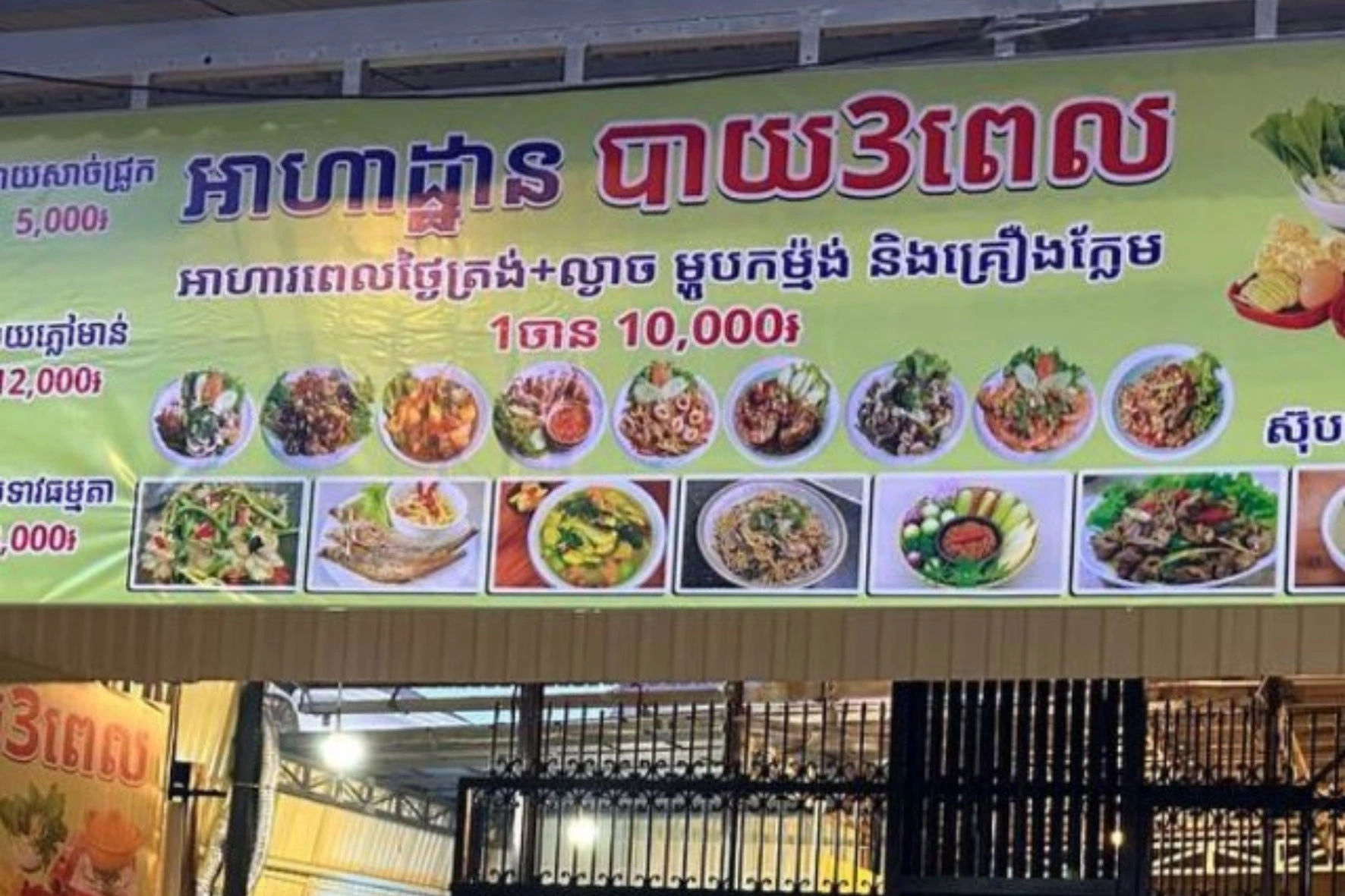
EZEPOS Packages
Built for restaurants, cafés, retail stores, and hospitality businesses with cloud-based management and multi-device accessibility.
Basic Package
Core Features
- Inventory Management
- Product Management
- Purchase Management
- Supplier Management
- Cashier & Sales Management
- Expense Management
- Profit & Sales Reports
- System Settings (Company logo, name, address customization)
- Support for 1–3 users
- 8 hours online support
- Good Price for Startup Small
Standard Package
Everything in Standard, plus:
- Kitchen order sending from cashier computer
- Enhanced restaurant workflow management
- Support for 1–7 users
- Multi-device cloud access
- Free menu setup (1 time)
- Free staff training
- Free short training video
- Free online support
- 16 hours online support
Premium Package
Everything in Standard, plus:
- Multi-cashier computer can use
- Table, Zone Management
- Selling Price flixible
- Discount many type
- Order taking via iPad, Tablet
- Send orders directly
- Multi-Kitchen printer support
- Advanced management tools
- Recommend for Restaurant 20 staff up
- 24/7 online support
We Have 24/7 Support Available
Frequently Asked Questions
-
1. What is Cloud POS?
Cloud POS is a web-based Point of Sale system that stores and synchronizes data securely in the cloud, allowing you to access your business information anytime and anywhere.
-
2. What are the benefits of Cloud POS?
- Access your business from anywhere
- Real-time sales and inventory updates
- Automatic data backup
- Lower hardware and maintenance costs
-
3. Does EZEPOS support Khmer language?
Yes, EZEPOS fully supports the Khmer language, including both Khmer text for the interface and support for the Khmer script in your product menus, receipts, and system displays.
-
4. Can I use barcode scanners?
Yes, you can use barcode scanners. They are widely used for retail, inventory, and asset management. You can connect a physical scanner directly to your computer to read them.
-
5. Do I need to install software?
No. Cloud POS runs through a web browser or mobile application, reducing installation and maintenance requirements.
-
6. Can I use Cloud POS on tablets and smartphones?
Yes. Cloud POS works on tablets, smartphones, laptops, and desktop computers.
-
7. Does the system support QR Ordering?
Yes. Customers can scan a QR code to browse the menu from their mobile devices.
-
8. Can orders be sent directly to the kitchen?
Yes. Orders are automatically sent to the kitchen display screen or kitchen printer.
-
9. Does Cloud POS support inventory management?
Yes. Inventory levels are updated automatically after each sale, helping reduce stock discrepancies.
-
10. Can I monitor sales remotely?
Yes. Owners and managers can view sales reports, transactions, and business performance in real time from anywhere.
Our Team
We collaborated with freelance projects beginning in 2019, technical support, and operational problem-solving for local businesses.
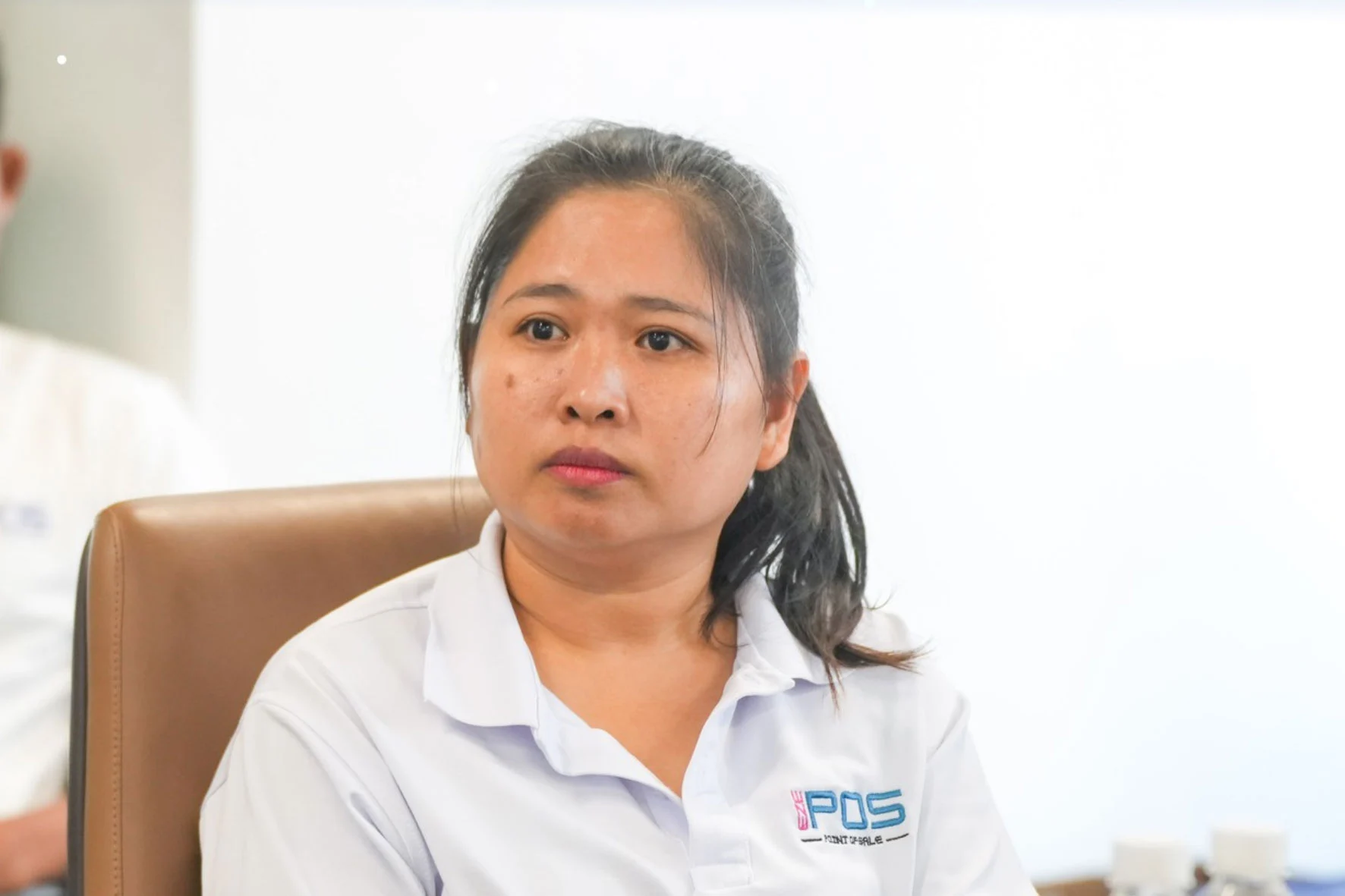
Ms. Mary
Founder & Business Operations Consultant More than 10 years experience in Sale & Digital marketing and 5 years in Project Manager with solutions company. Mary graduated Computer Science Degree
Mr. Veasna
Lead Software Architect With more than 5 years experience in Technical Project Manager and 10 years desktop and web application development. Veasna graduated Computer Science Degree.
Ah Ching
Sale & Digital Marketing More than 5 years experience in Sale & Digital marketing.POS Hardware Support
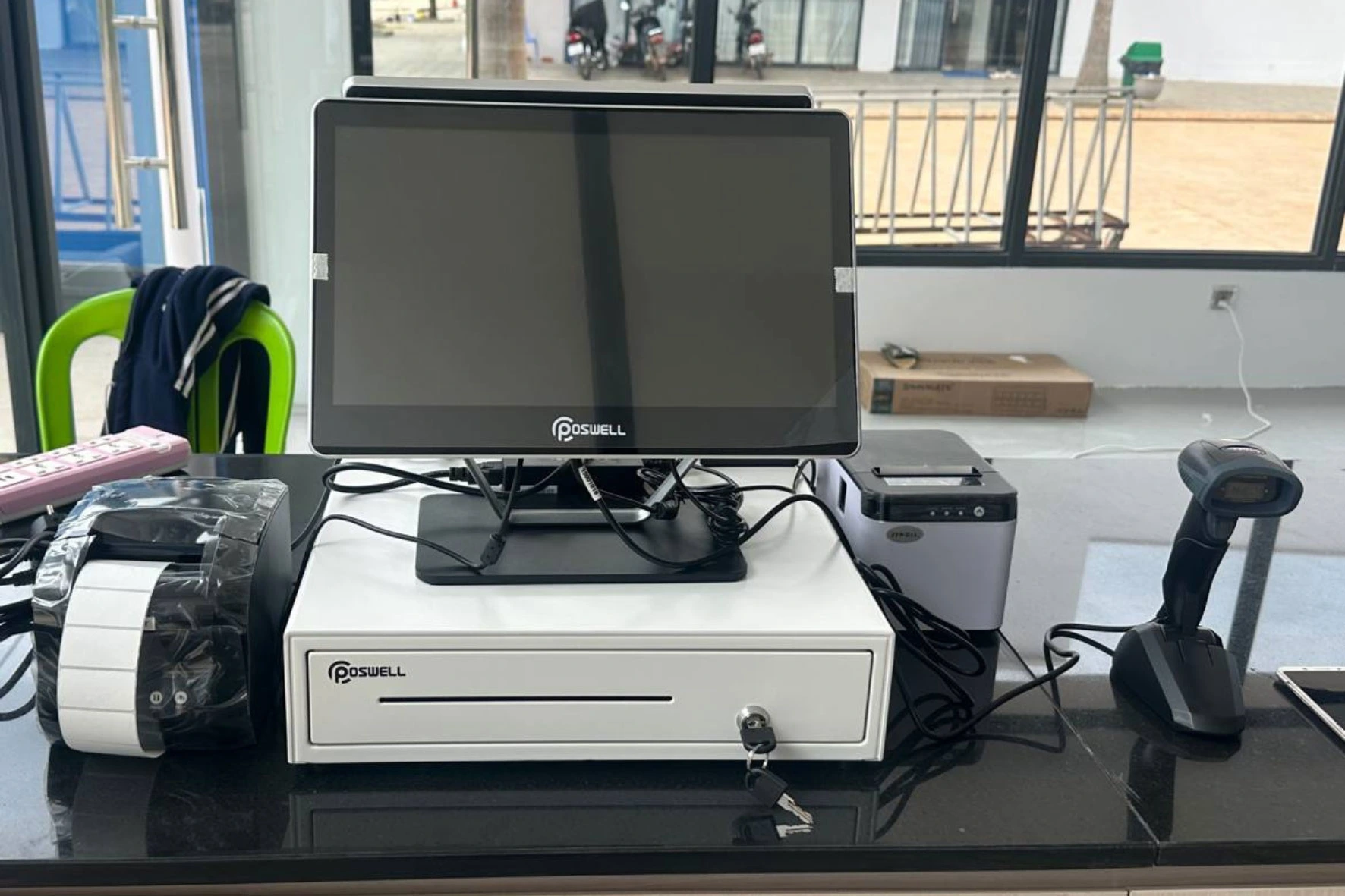
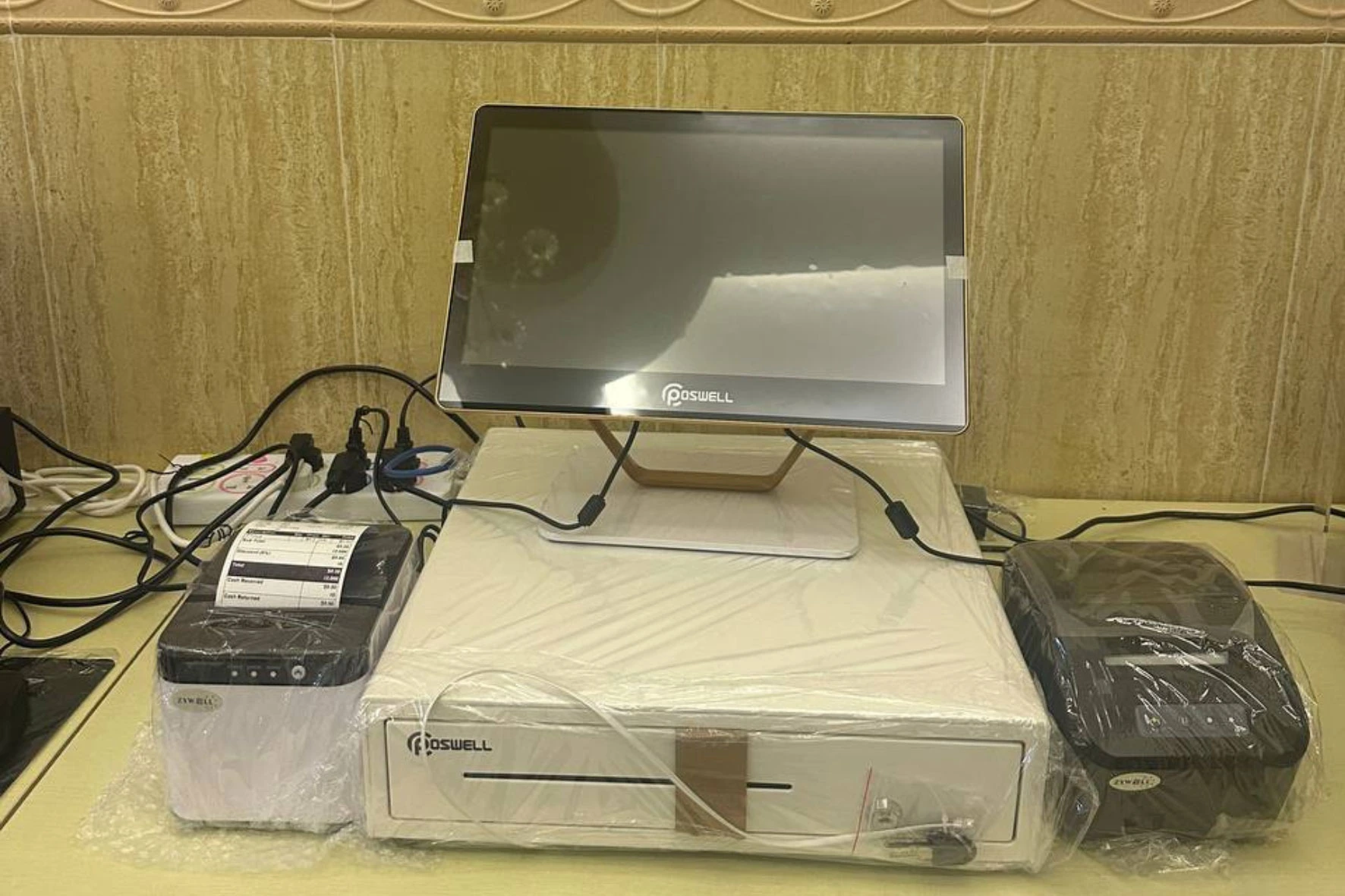
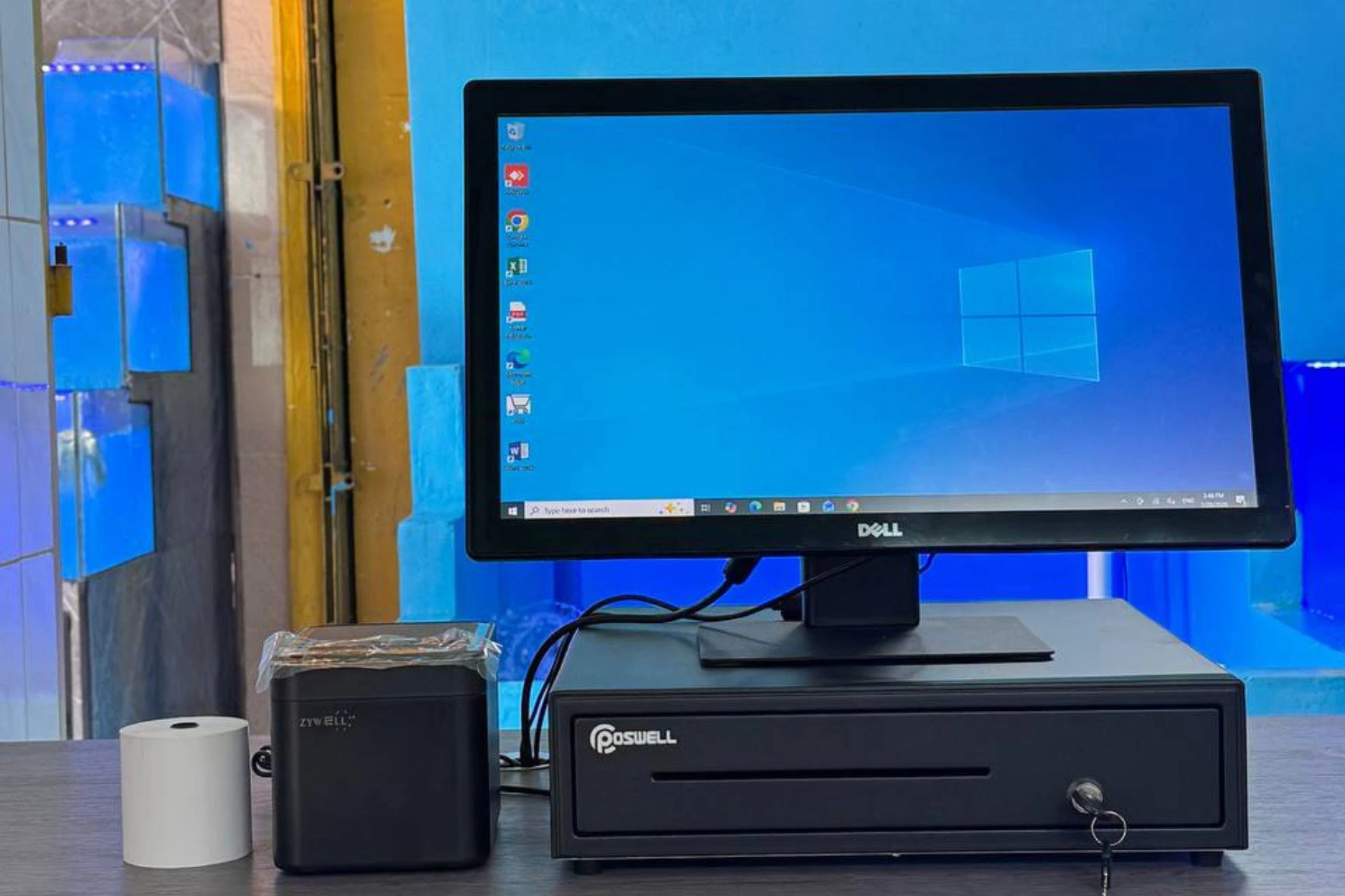
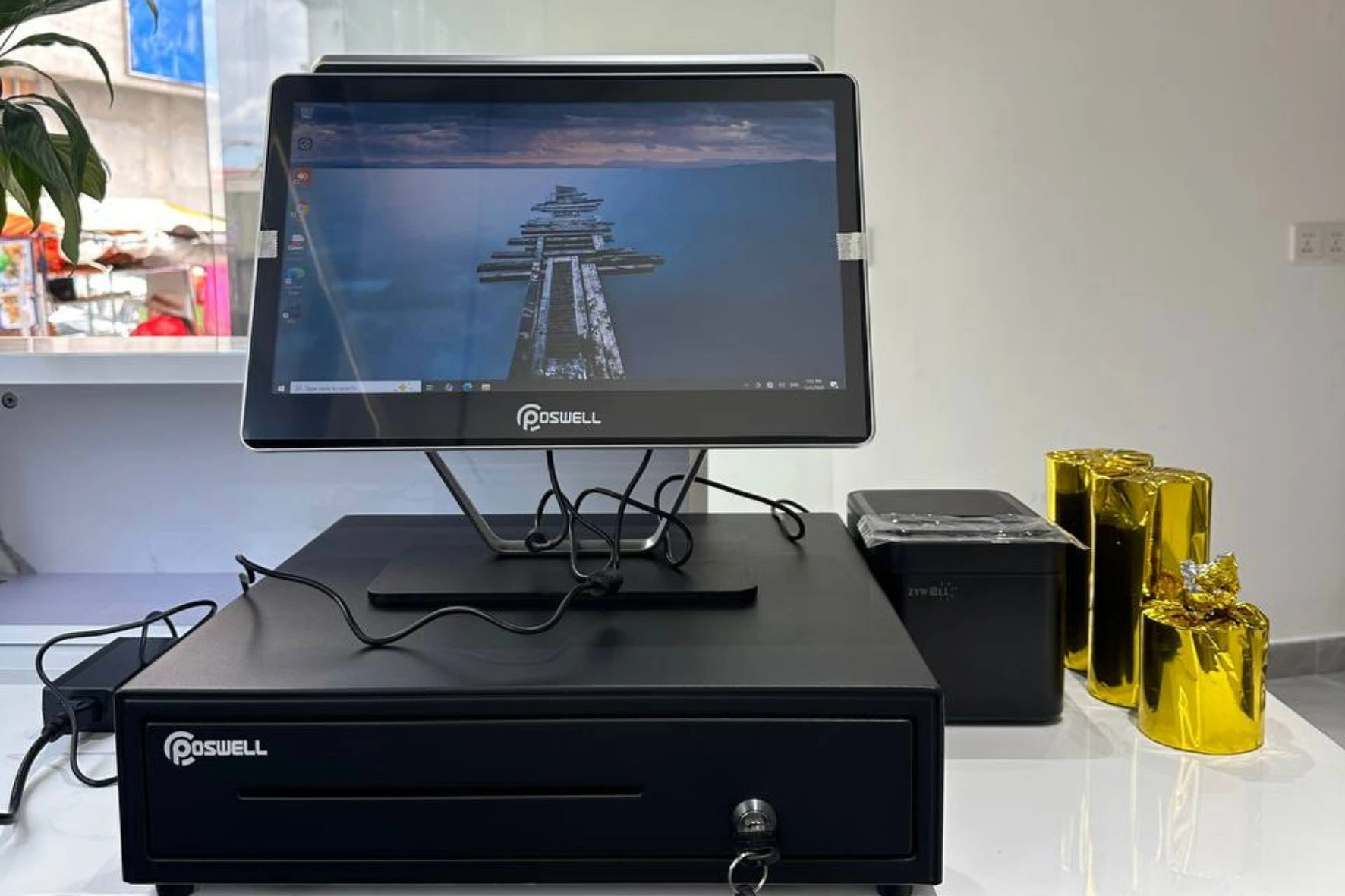
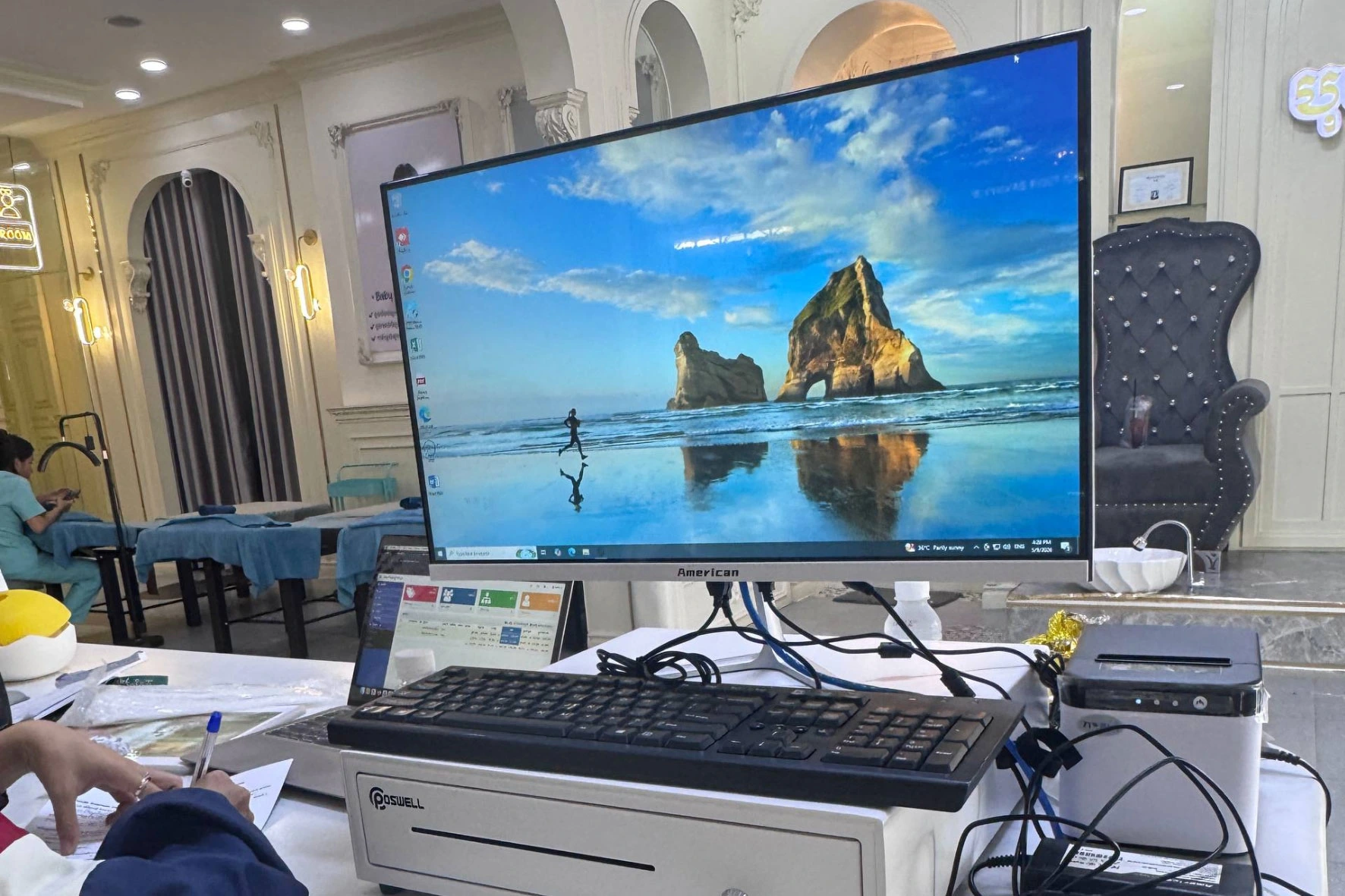
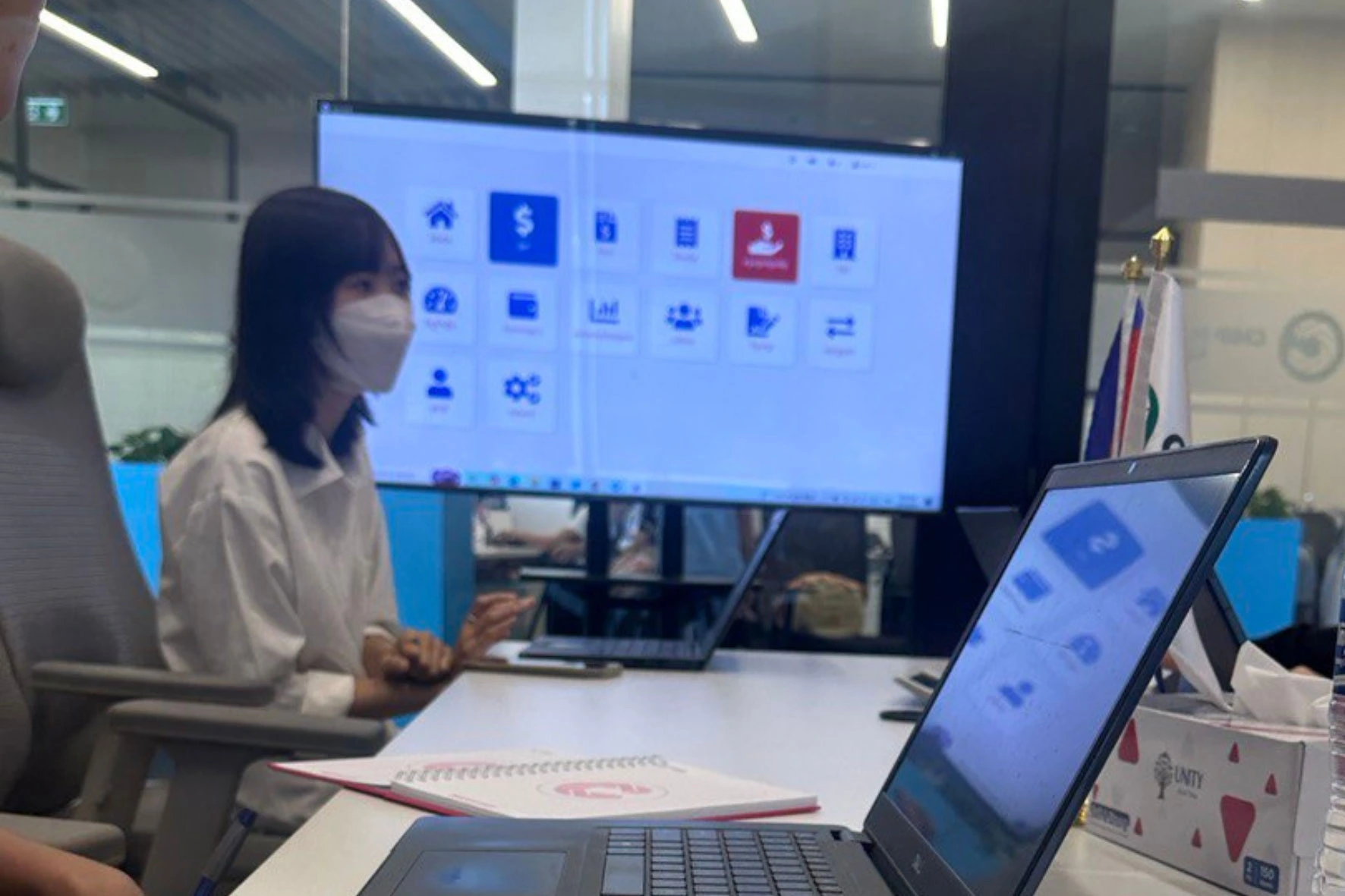
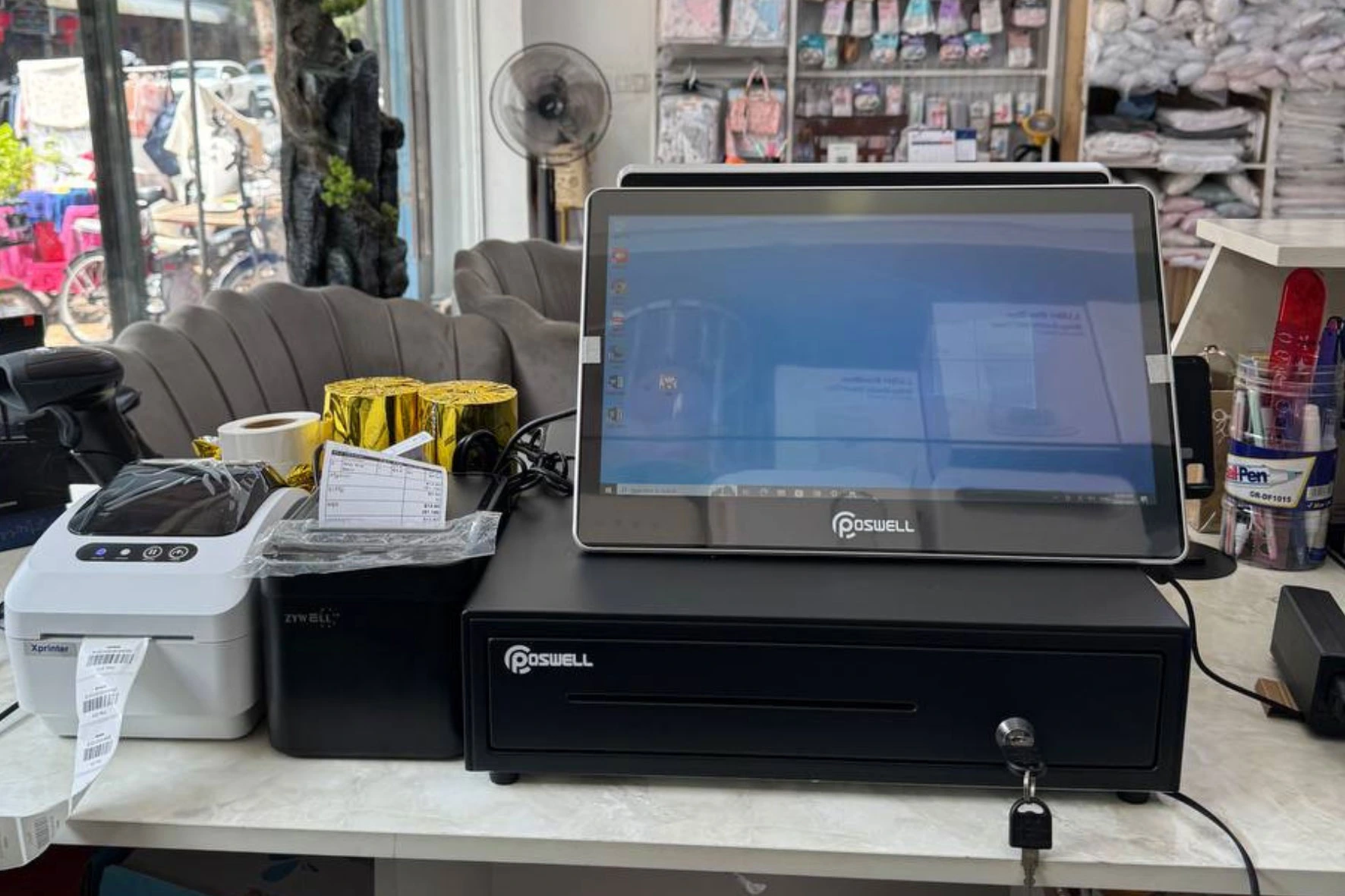
EZEPOS seamlessly integrates with receipt printers, barcode scanners, cash drawers, customer displays, tablets, and POS terminals—providing everything you need to run your business efficiently.
EZEPOS
We provide Cloud POS Solution which is easy to use, easy to understand, and accessible at anytime and anywhere. We acknowledge that every business is different and their software requirements are also different. That is why our systems are designed based on the real usage of end users (our clients).
#192, St. 15, Borey Piphop Thmey Chamka Doung I, Phnom Penh.
ezepointofsale@gmail.com
+855 10 374 477